Annotate like you mean it
Arrows, boxes, highlighter, text, numbered steps, spotlight and a pixelate brush. Scribble a circle and Koji cleans it into a perfect one. Hold Ctrl to keep it hand-drawn.
PHARETNXSC
 Koji
Download
Koji is the screenshot tool Windows should have shipped with. Press PrtSc, drag, annotate, paste. Native, instant, and so light you'll forget it's running.
v1.0 · Windows 10/11 x64 · No account, no telemetry
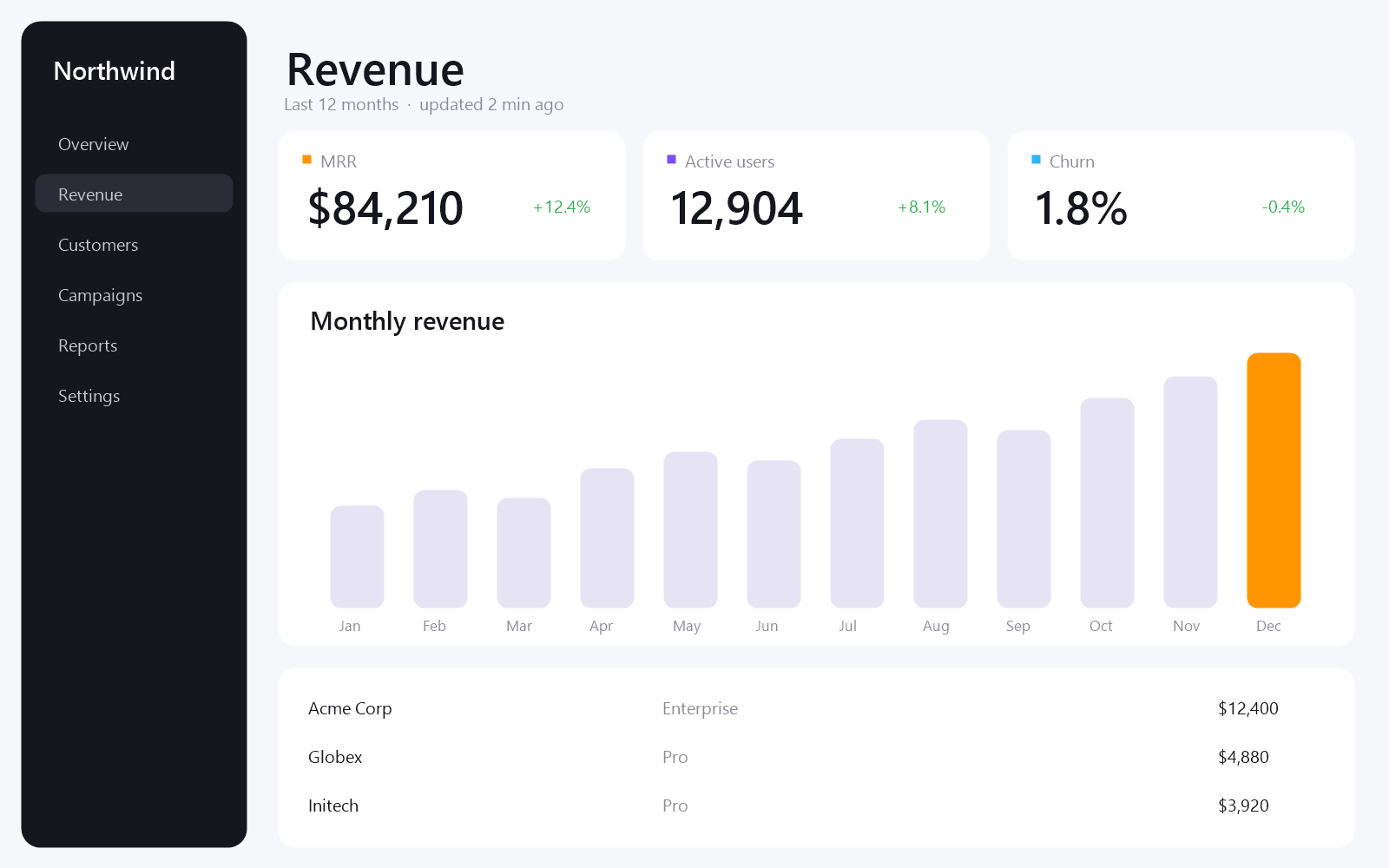
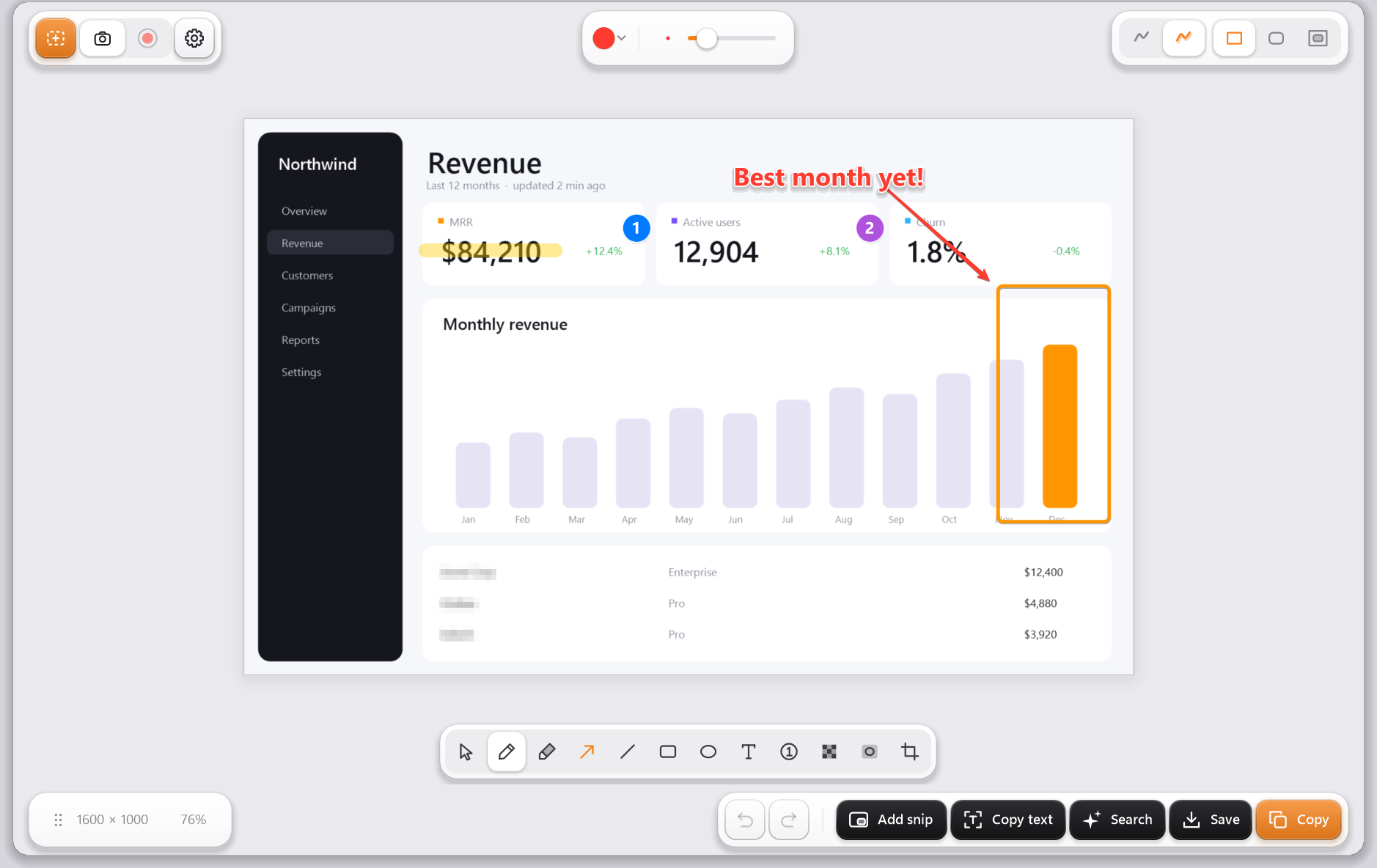
The whole app. One exe, no runtime.
From key press to snipping.
GPU screen recording to MP4.
No account, no cloud, no tracking.
Every tool is one key away, and every drawing looks the same in your editor, your clipboard and the saved file.
Arrows, boxes, highlighter, text, numbered steps, spotlight and a pixelate brush. Scribble a circle and Koji cleans it into a perfect one. Hold Ctrl to keep it hand-drawn.
CtrlT reads every word in your snip with Windows' built-in OCR. Offline, instant.
CtrlG sends the snip to Google Lens. Identify a font, a plant, a part, a place.
Add snip drops a second capture on top. Move it, resize it, crop it, give it a border or a deep shadow.
A real pixelate brush, not a see-through blur. Paint over it, or Shift-drag a box.
Original, continuous rounded corners, or a white or dark mat. Ready for slides and docs.
Grab the size label and drop the image straight into chat, mail, Figma or a folder.
Drag an area, click a window or press F for the full screen. Koji captures at 60 fps on the GPU and hands you a small H.264 file, already on your clipboard and ready to paste into Discord, mail or Explorer.

Light, dark, or Sunset, which switches to dark at your real local sunset. Seven accents. Two icons. Try them.
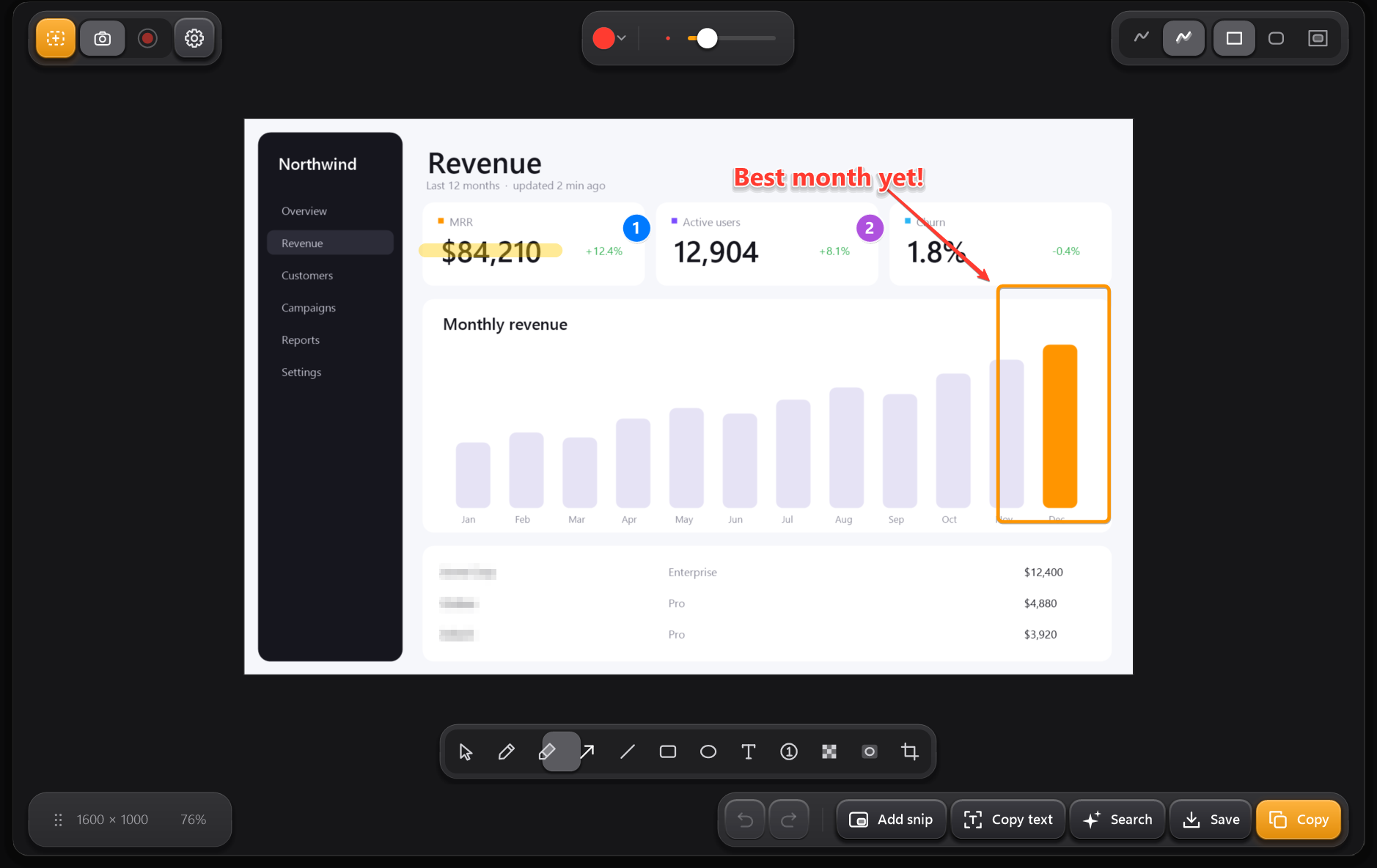
Go ahead, press them. They work here too.
Snip, from anywhere
Replaces the Windows snipper
Copy the image
Copy the text in it
Quick-save a PNG
Undo anything

One file. Double-click it and Koji lives in your tray. Press PrtSc and you're snipping.
Download Koji.exeKoji isn't code-signed yet, so Windows may show a SmartScreen prompt the first time. Choose More info → Run anyway.
Yes. No trial, no account, no watermark, nothing uploaded. Your snips stay on your PC.
By default, yes: Win+Shift+S and PrtSc open Koji instead of the Windows snipper. Both can be turned off in Settings.
Quick-saves land in Pictures\Koji, recordings in Videos\Koji. Both folders can be changed in Settings, and auto-save is optional.
Quit it from the tray and delete Koji.exe. Settings live in %APPDATA%\Koji if you want them gone too.
Koji is written in Rust and talks to Windows directly: GDI+ for drawing, DXGI for capture, Media Foundation for video, WinRT for OCR. No browser engine, no framework.